
Resource Guide
Recommended Books
These books offer wisdom and practical strategies for navigating our tech-saturated world—from protecting kids online to building better habits to reclaiming the embodied, connected life we're all searching for.
The Tech-Wise Family
Andy Crouch
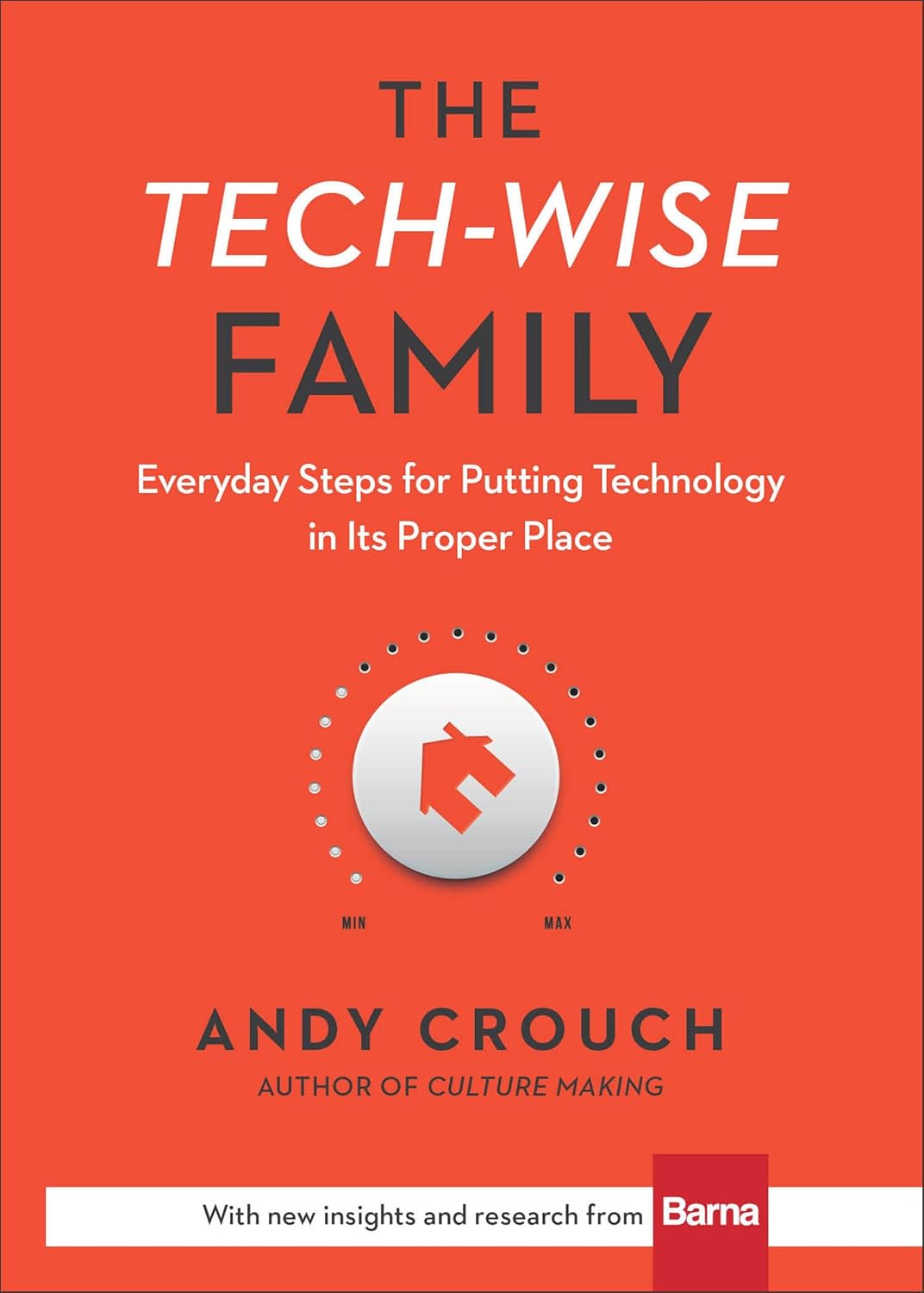
Andy Crouch offers practical wisdom for families seeking to put technology in its proper place, emphasizing habits that nurture creativity, conversation, and deeper human connection at home.
The Tech Exit
Clare Morell
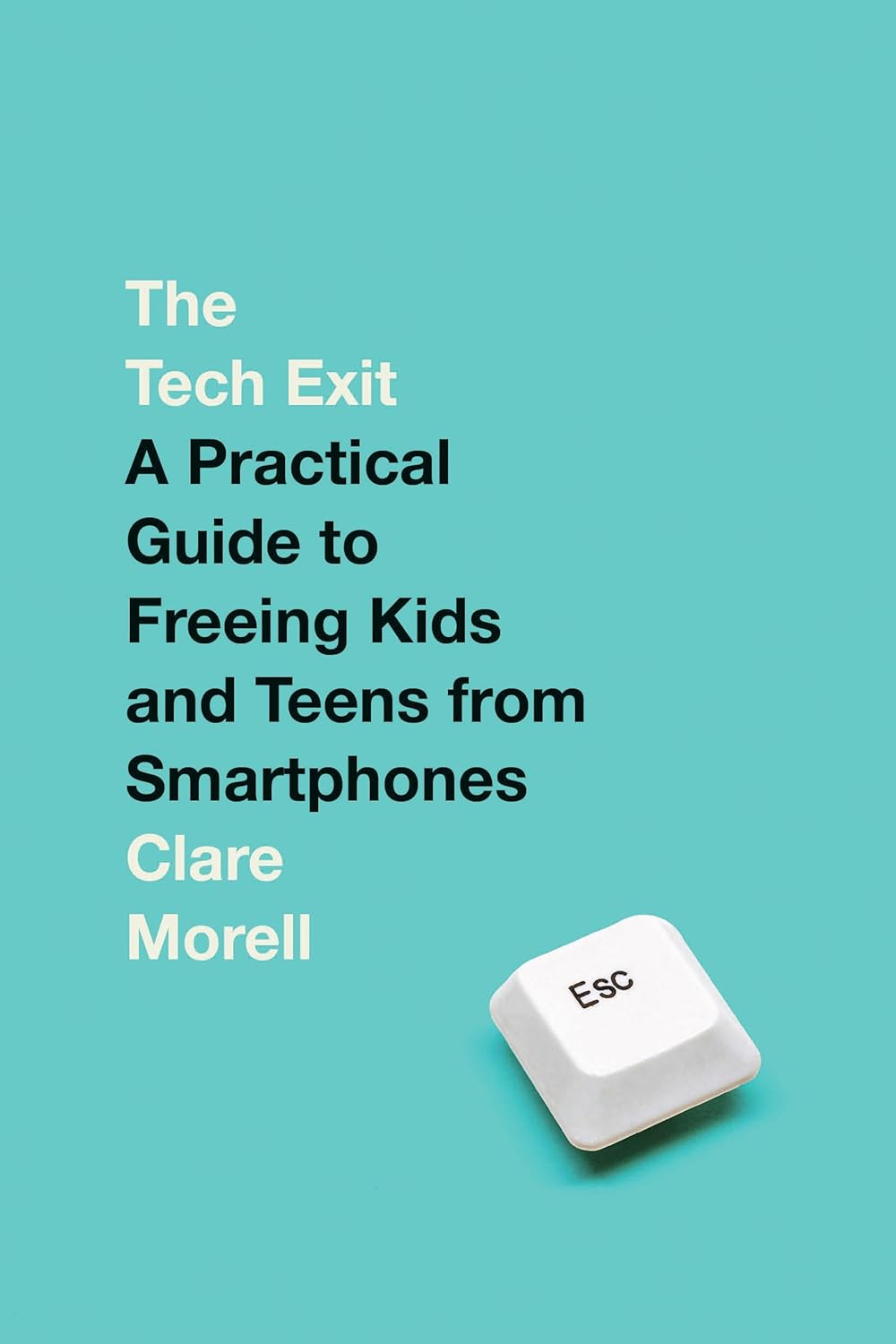
Clare Morell provides a research-backed case for protecting children from Big Tech's harms, outlining policy solutions and practical steps parents can take to reclaim childhood from screens.
The Anxious Generation
Jonathan Haidt

Social psychologist Jonathan Haidt explores how smartphones and social media have rewired childhood, contributing to a mental health crisis among teens, and offers a path toward healthier development.
Digital Minimalism
Cal Newport
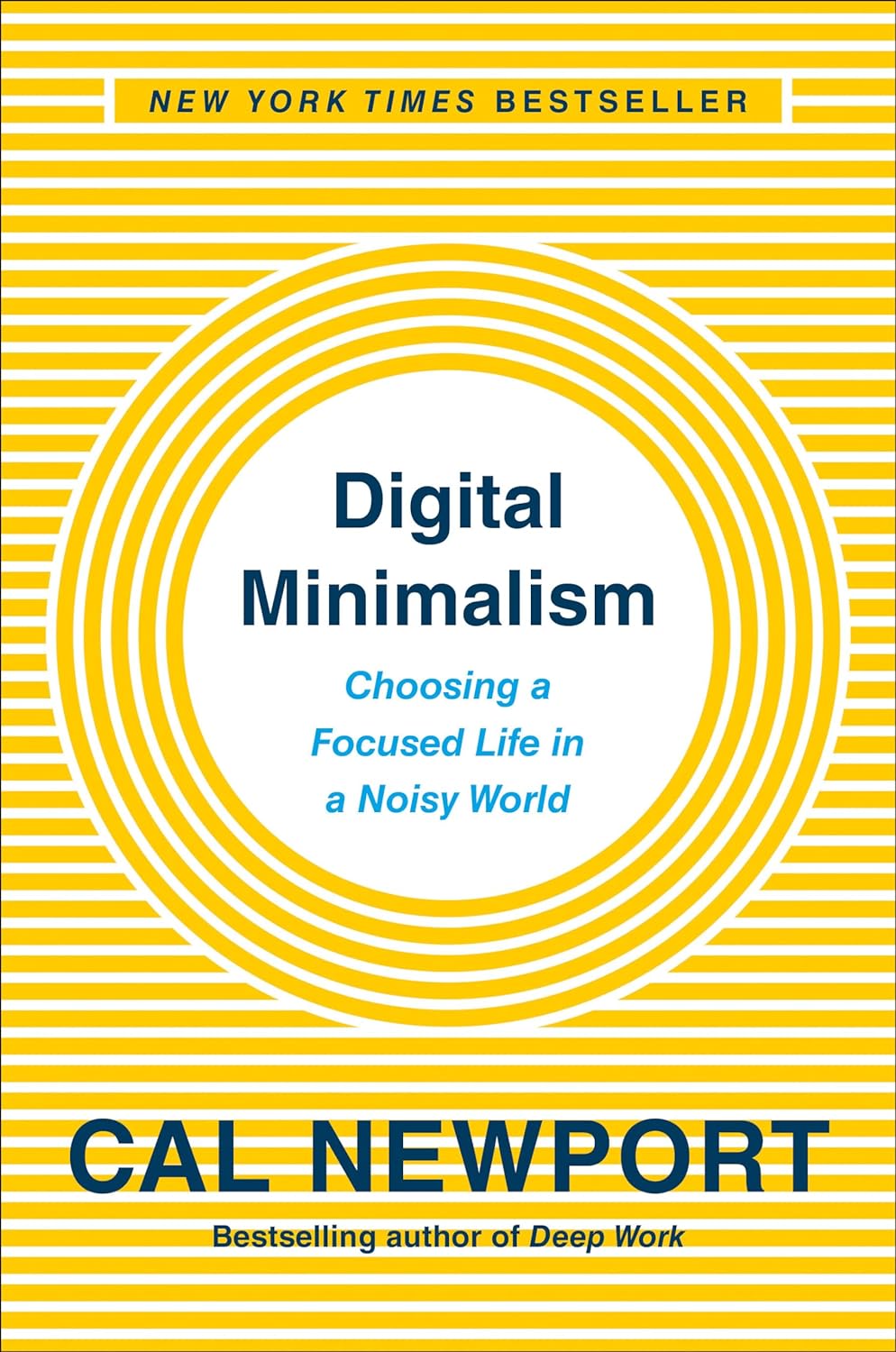
Cal Newport makes the case for intentionally curating your digital life, offering a philosophy and practical strategies to reclaim time, focus, and deeper satisfaction from technology overload.
The Life We're Looking For
Andy Crouch
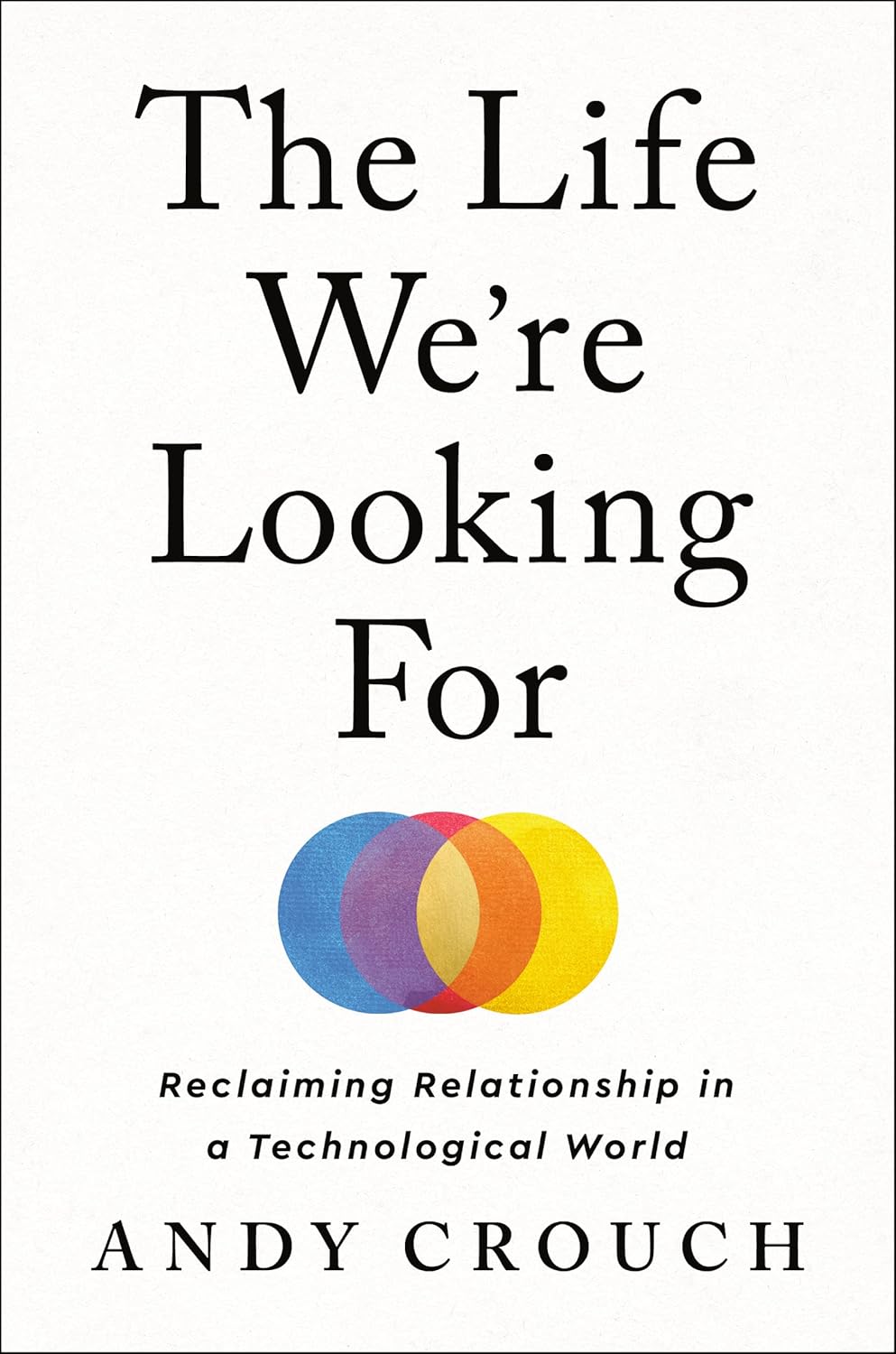
Andy Crouch diagnoses modern life's emptiness as a crisis of personhood, arguing that true flourishing comes not from devices but from embodied relationships and communities of mutual care.
Digital Liturgies
Samuel James
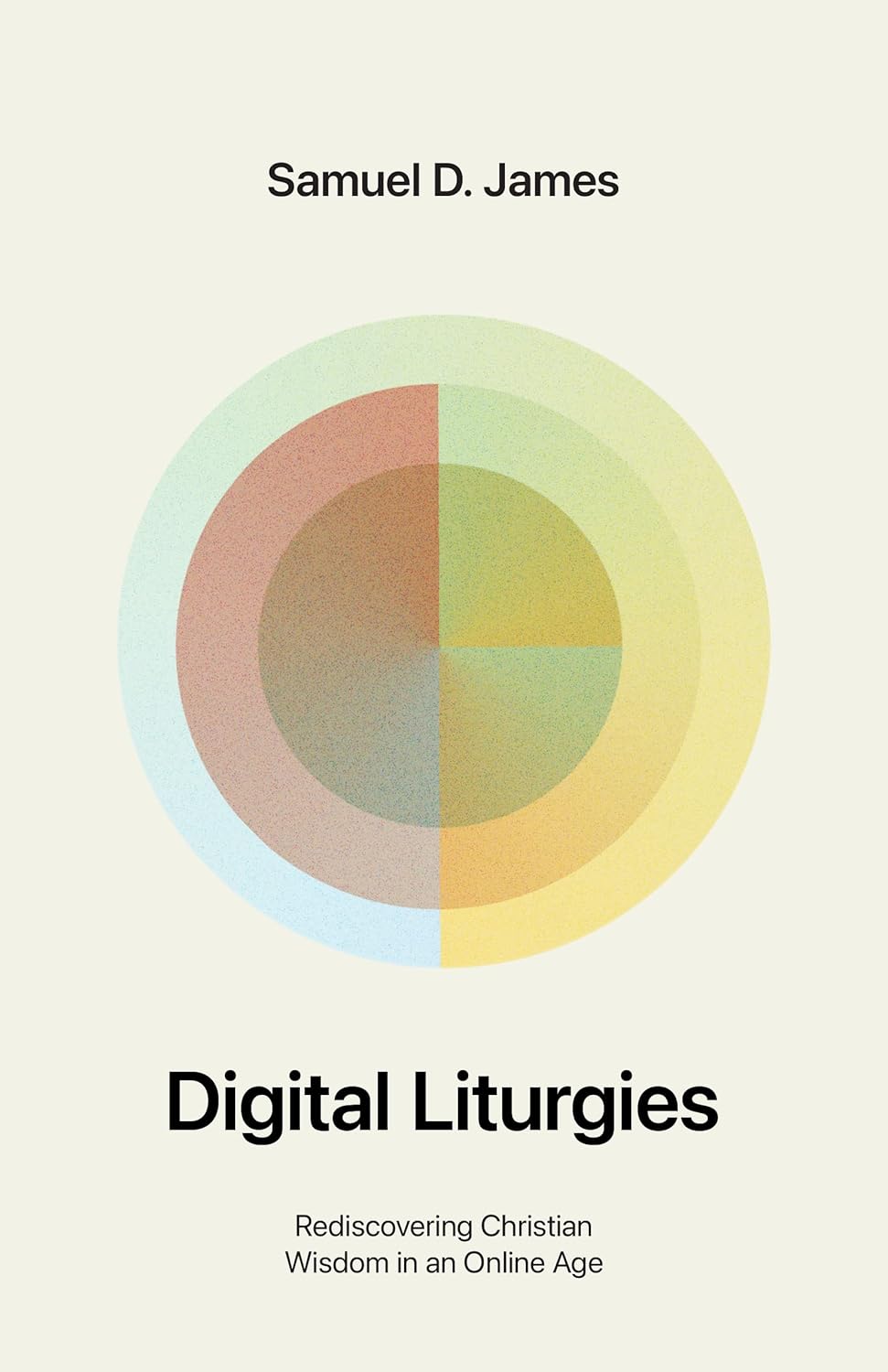
Samuel James examines how the internet shapes our souls through daily rituals and habits, calling readers to cultivate Christian wisdom and virtue in an attention-hijacking digital age.
My Tech-Wise Life
Amy Crouch
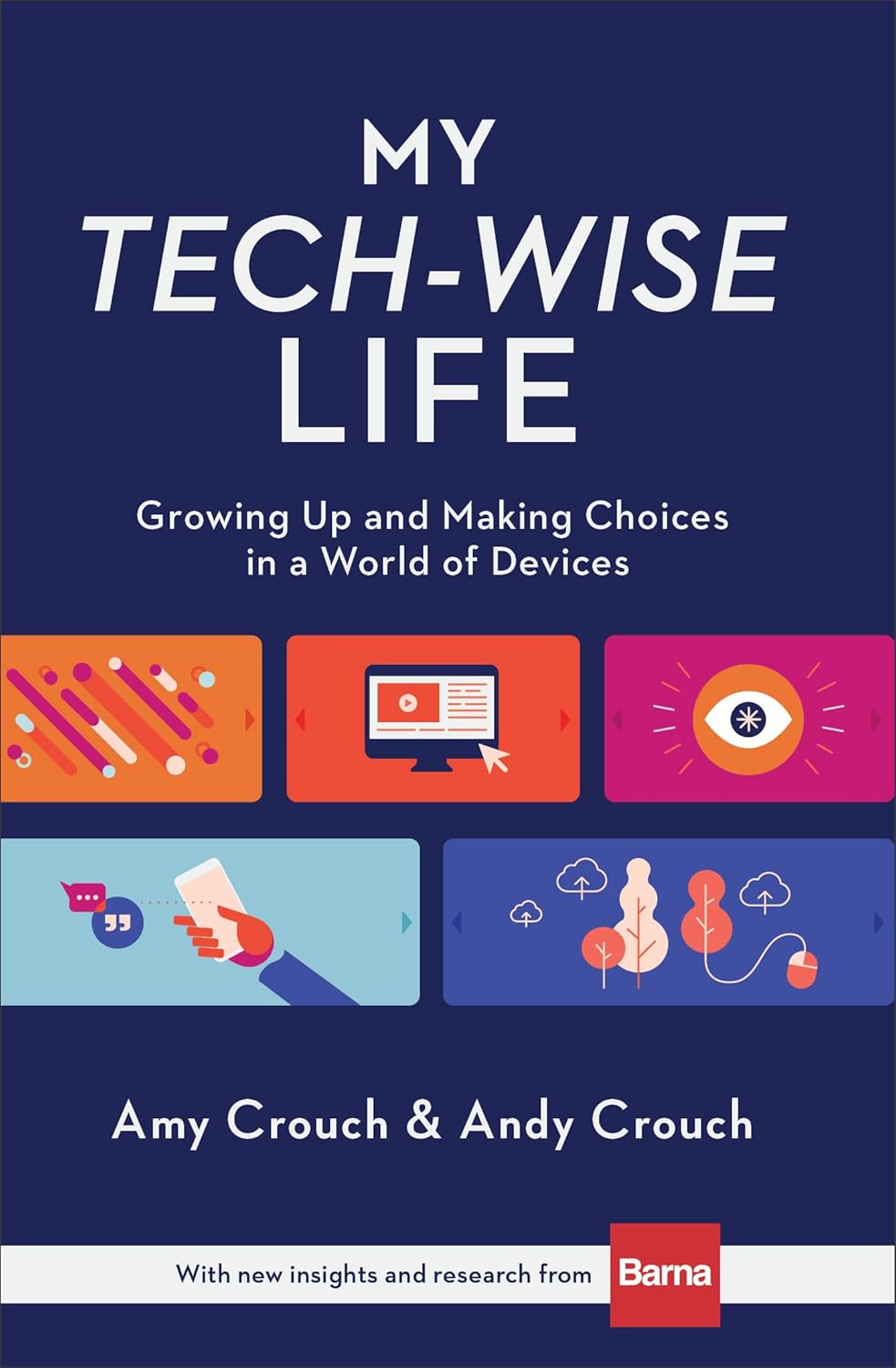
Amy Crouch shares her experience growing up in a tech-intentional household, offering a young adult perspective on building meaningful habits and relationships in a distracted digital world.
Scrolling Ourselves to Death
Brett McCracken, Ivan Mesa, et al.
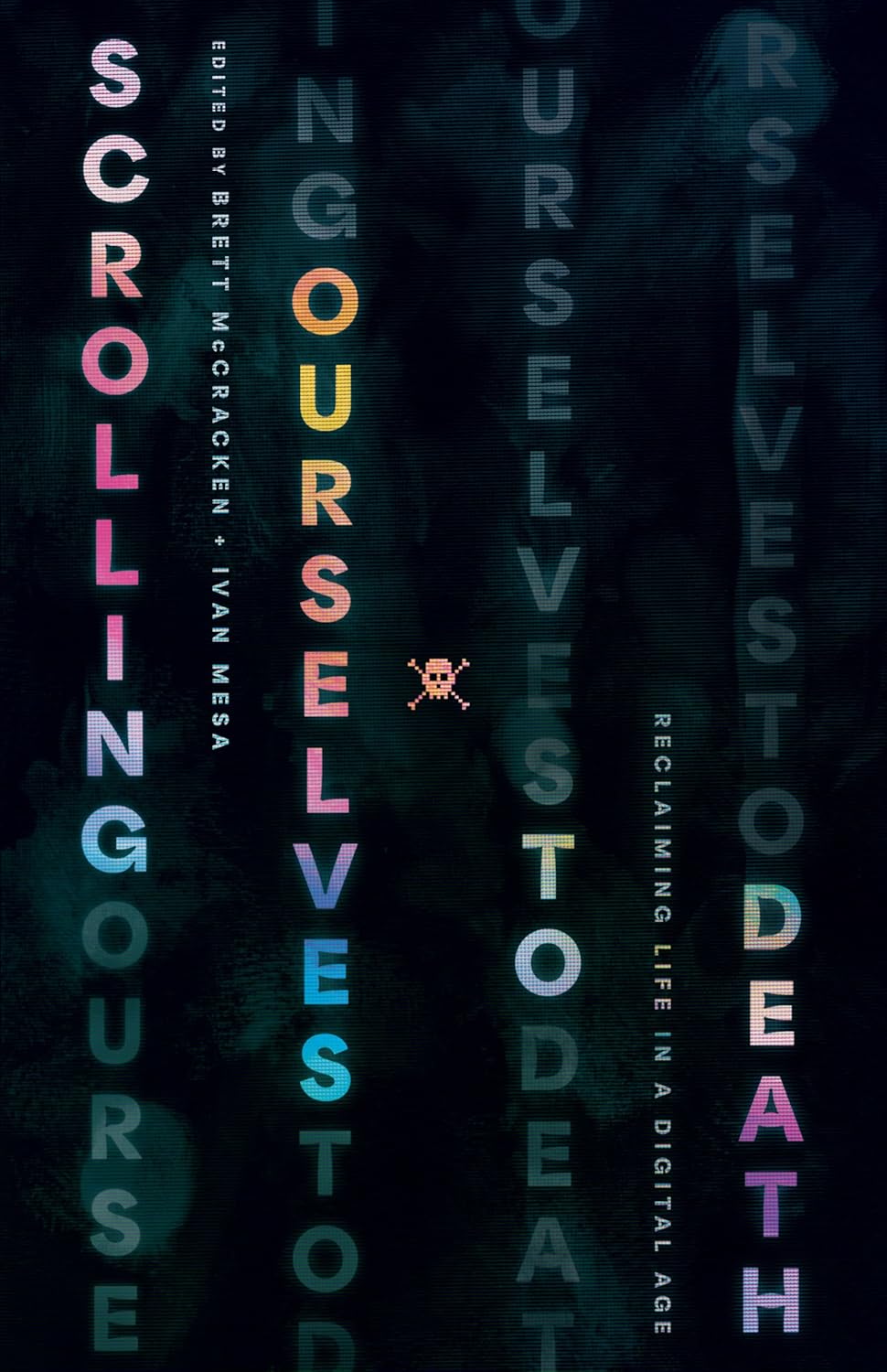
A collection of essays exploring how endless digital consumption erodes attention, community, and faith, with thoughtful reflections on reclaiming presence and purpose in an age of distraction.
Atomic Habits
James Clear
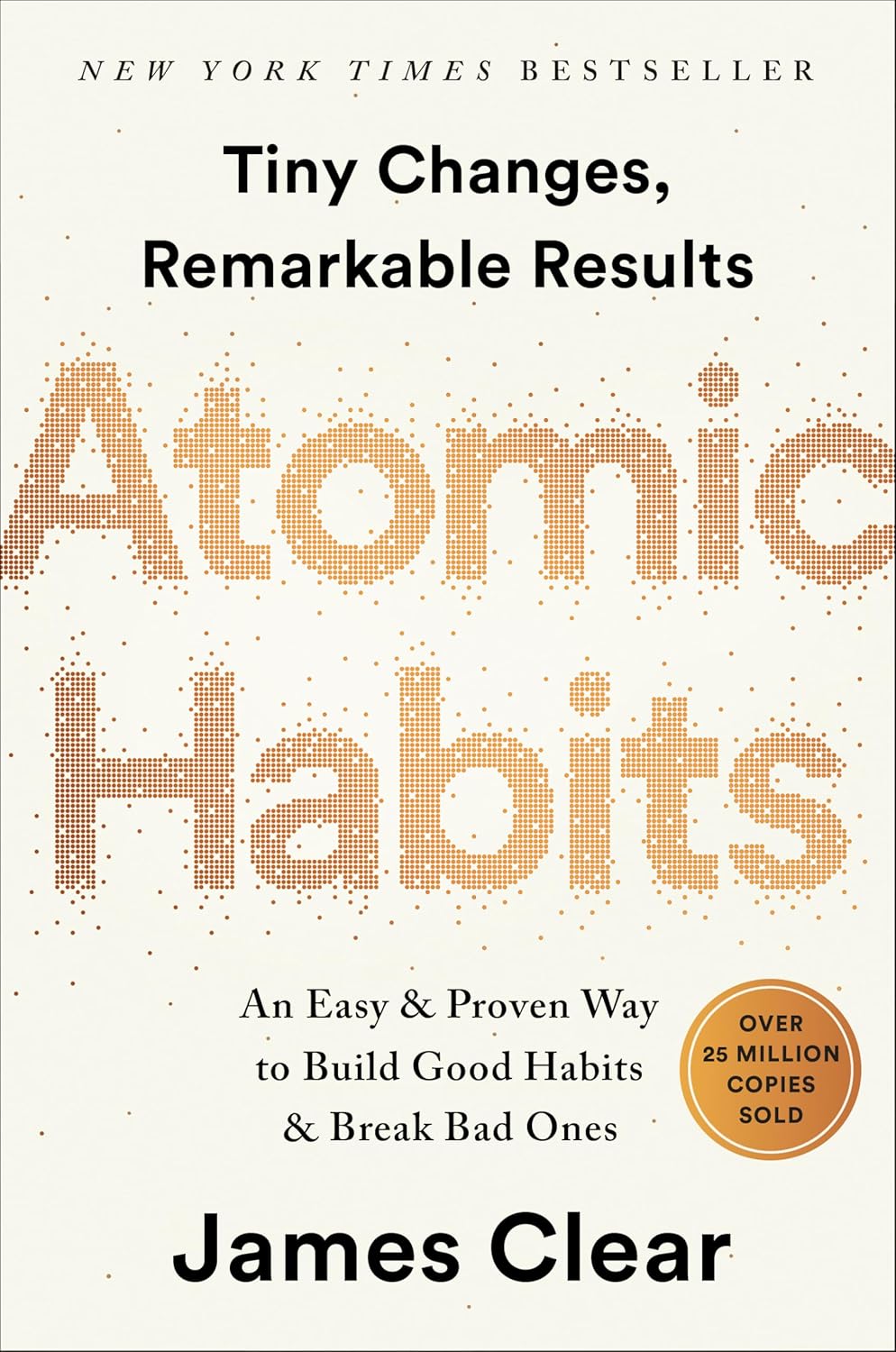
James Clear reveals how tiny changes compound into remarkable results, providing a proven framework for building good habits, breaking bad ones, and mastering the small behaviors that shape your life.
Staying Informed
Staying informed doesn't mean surrendering your soul to the news cycle. These sources and podcasts offer trustworthy reporting and cultural commentary grounded in wisdom and conviction.
News Sources
The news landscape is fraught with bias, and I'm hesitant to recommend much. But these two have earned my trust for different reasons—one for straight facts, the other for thoughtful Christian perspective.

Reuters
reuters.com
A wire service that focuses on reporting what happened, not what to think about it. I use it to skim headlines and get the facts before the spin.

Christianity Today
christianitytoday.com
Founded by Billy Graham, CT strives to cover news, culture, and theology from a thoughtful, centrist evangelical perspective. Not partisan, but unapologetically Christian.
Podcasts
Current events coverage and cultural commentary grounded in biblical wisdom and Christian conviction.
The Bulletin
Christianity Today

Clarissa Moll, Mike Cosper, and Russell Moore break down current events and breaking news, offering Christian perspective and thoughtful analysis on the issues shaping our world each week.
Holy Post
Holy Post Media

VeggieTales creator Phil Vischer and author Skye Jethani offer witty, thoughtful conversations on faith, culture, and theology—exploring what it means to live a Christian life in an increasingly post-Christian world.
Recommended Tools
Practical tools for taking control of your digital life—from managing screen time to blocking harmful content to keeping your family safe online.
Screen Time Management
Before installing anything new, check what's already built into your devices. Apple, Google, and Microsoft all offer solid parental controls for managing screen time and filtering content.

Apple Screen Time
apple.com
Built into every iPhone, iPad, and Mac, Screen Time offers seamless parental controls across Apple's ecosystem—set app limits, schedule downtime, and manage content with no extra apps to install.

Google Family Link
families.google.com
Ideal for Android families, Family Link lets you manage screen time, approve apps, and filter content—plus locate your child's device on a map and get alerts when they arrive or leave locations.

Microsoft Family Safety
microsoft.com
Perfect for gaming families, Microsoft's tools let you set screen time limits across Windows PCs and Xbox consoles, filter age-inappropriate games, and manage what your kids play and for how long.
Focus Apps & Distraction Blockers
For when the built-in tools aren't enough. These apps go deeper—helping you block your biggest distractions, build better habits, and stay intentional about how you spend your time on screens.

Sabbath
apps.apple.com
Choose your day of rest (Saturday or Sunday), select the apps that distract you, and Sabbath blocks them for the day. You can invite your spouse and friends to join for added accountability.

Opal
opal.so
A focus app for iPhone, Mac, and Android that blocks distracting apps and helps you build healthier habits. I love how its mindful block screens gently nudge you to reconsider rather than just saying no.

ScreenZen
screenzen.co
Free and donation-supported, with customizable prompts like "Is this important?" before opening apps. Very similar philosophy to Opal's mindful approach, with lots of flexibility.

OneSec
one-sec.app
Takes a mindfulness approach: when you try to open a distracting app, it forces a pause (often with a breathing exercise) and asks if you really want to proceed. Great for breaking impulsive habits.
Password Managers
One of the easiest wins for your family's security. These tools help you stop reusing passwords, share logins safely with family members, and ensure no one gets locked out of important accounts.

1Password
1password.com
The one I use with my own family. Easy to share logins between family members, and it's simple enough that everyone actually uses it.

Bitwarden
bitwarden.com
Open-source and affordable, with a solid free tier. A great choice if you want strong security without a subscription fee.

Proton Pass
proton.me
If you're already using Proton's email or VPN, this fits right in. End-to-end encrypted and built by a team that takes privacy seriously.

Dashlane
dashlane.com
A bit pricier, but polished and approachable. Good for families where some members need something that just works without much fuss.
Advanced Privacy & Security
These take a bit more effort to set up, but they're worth it if you want to block ads and inappropriate content across your whole network—and keep your family's browsing private.

NextDNS
nextdns.io
What I use at home. Blocks ads, trackers, and unwanted content before it reaches any device on your network. Parental controls are solid, and setup is easier than you'd think.

Tailscale
tailscale.com
Creates a secure, private network between your devices—so you can access your home computer or files from anywhere without exposing them to the open internet.

Mullvad VPN
mullvad.net
No email required, no logs kept, no nonsense. Just a simple, trustworthy VPN from a company that cares more about privacy than marketing. Pairs nicely with Tailscale if you want both secure access and anonymous browsing.

Pi-hole
pi-hole.net
For the tinkerers. A self-hosted ad blocker that runs on your own hardware. More work to set up, but you own everything and rely on no one.